Two apps that work together. Studio runs messages, calendar, clients, consent forms and money. Design is the drawing sheet made for skin: real needles, stencils, a 3D mannequin.
A drawing app is built for paper. Inkconscious Design is built for the tattoo: the line is as wide as the needle, ink spreads over the years, and the drawing has to sit on a body.
Real needles. To a tenth of a millimetre.
44 groupings in five families, just like the cartridges in your drawer. The line you draw is as wide as the one the real needle leaves on skin: measured on the app's own engine, not eyeballed.
RLRound liner · 3–14
RSRound shader · 5–18
MGMagnum · 5–31
RMRound magnum · 7–49
FFlat · 5–15
Seen from the tip
RL 7
Round liner · The everyday line: clean and solid.
1.19 mmline in the app
≈ 1.05 mmreal needle on skin
7needles in the grouping
Line in Inkconscious DesignReal needle, approximate width on skin
Needles #12 (0.35 mm), slow line at normal pressure, measured on the app's needle bench: real editor, A4 sheet. You can also pick 0.30, 0.25, 0.20 and 0.16 mm needles, and the line scales with them.
Inkconscious Design
The machine, simulated.
Turn on the simulation and the pen becomes a tattoo machine: voltage, stroke, hand speed and pressure decide how the needle hits the sheet. At low voltage with a fast hand it comes out dotted, at 12 V it is solid.
Voltage from 4 to 12 V, which become 40 to 172 hits per second.
Stroke from 1.8 to 4.5 mm, and depth that follows your pressure.
Blowout alert when you push too deep, and a score for every line: steady pressure, fluidity, tremor.
Voltage → hits per secondfrom the app's machine curve
Illustration: RL 7 with a fast hand (300 mm/s). Gap between hits = hand speed ÷ hits per second, as in the app.
Inkconscious Design
See the tattoo ten years from now.
Move the “years on skin” slider, from 0 to 10: the whole sheet ages live. Lines spread, black turns grey-blue, shading fades. You see it before you tattoo, and you can show it to the client.
Lines really spread: every needle grows by 0.05 mm a year, so an RL 7 goes from 1.16 to 1.65 mm in ten years.
Shading fades, it doesn't darken, like ink settling into skin.
Also in the export, in the Portfolio cover and in the selection.
Fresh10 years
Real strokes from the app: MG 9 and RM 23, slow, fast and on a curve. Drag to compare.
Inkconscious Design
From sketch to stencil. In two taps.
Three ways, depending on the job: by hand and free, with AI while you keep drawing, or made to measure for an arm or a leg. Then you print it at true size.
2 tapsfor an AI stencil: Stencil → Convert to stencil. The app estimates about 12 seconds for a quick draft, 45 for a final one, and you keep drawing in the meantime.
8192 pxfull resolution of the hand-made stencil, free and without AI, with a live preview on the sheet.
300 DPIfor an A4 print. PDF at true size 1:1, mirrored with one tap, or split into A4 sheets for the thermal printer.
Stencil · By hand
BasicOutlinesRealismColour
Create stencil
A4A4A4A4
A2 → 4 × A4PDF 1:1 · mirrored · thermal threshold
01
Start from a photo or your drawing.
Import the client's reference with Image, or work on what you drew. The stencil always starts from the selected image on the sheet.
02
By hand, free. Or with AI.
By hand: choose Basic, Outlines, Realism or Colour, clean up the dots, set line thickness and grey zones, and watch the result live. It lands on a new Stencil layer, exactly over the photo. With AI: quick draft or final drawing, thin, medium or bold lines, lines only or with shading.
03
Made to measure for the body.
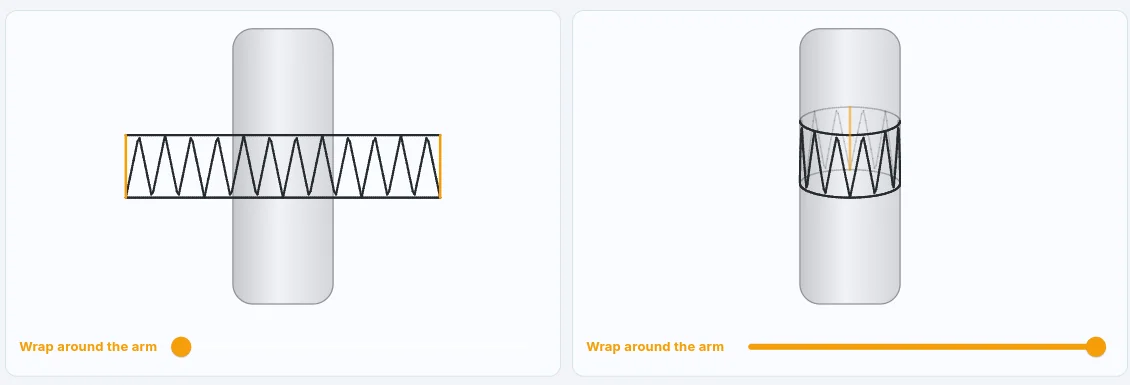
Enter the real size of the design and the circumferences you took with the tape at different heights: the app unrolls the stencil onto paper so it closes exactly around the arm, within 0.3 cm.
04
Print at true size.
PNG, JPG or PDF, A4, A3 or A2, mirrored if you need it. Or “Export sheets”: the design split into A4 pages with a black-and-white threshold for the thermal printer.
Inkconscious Design
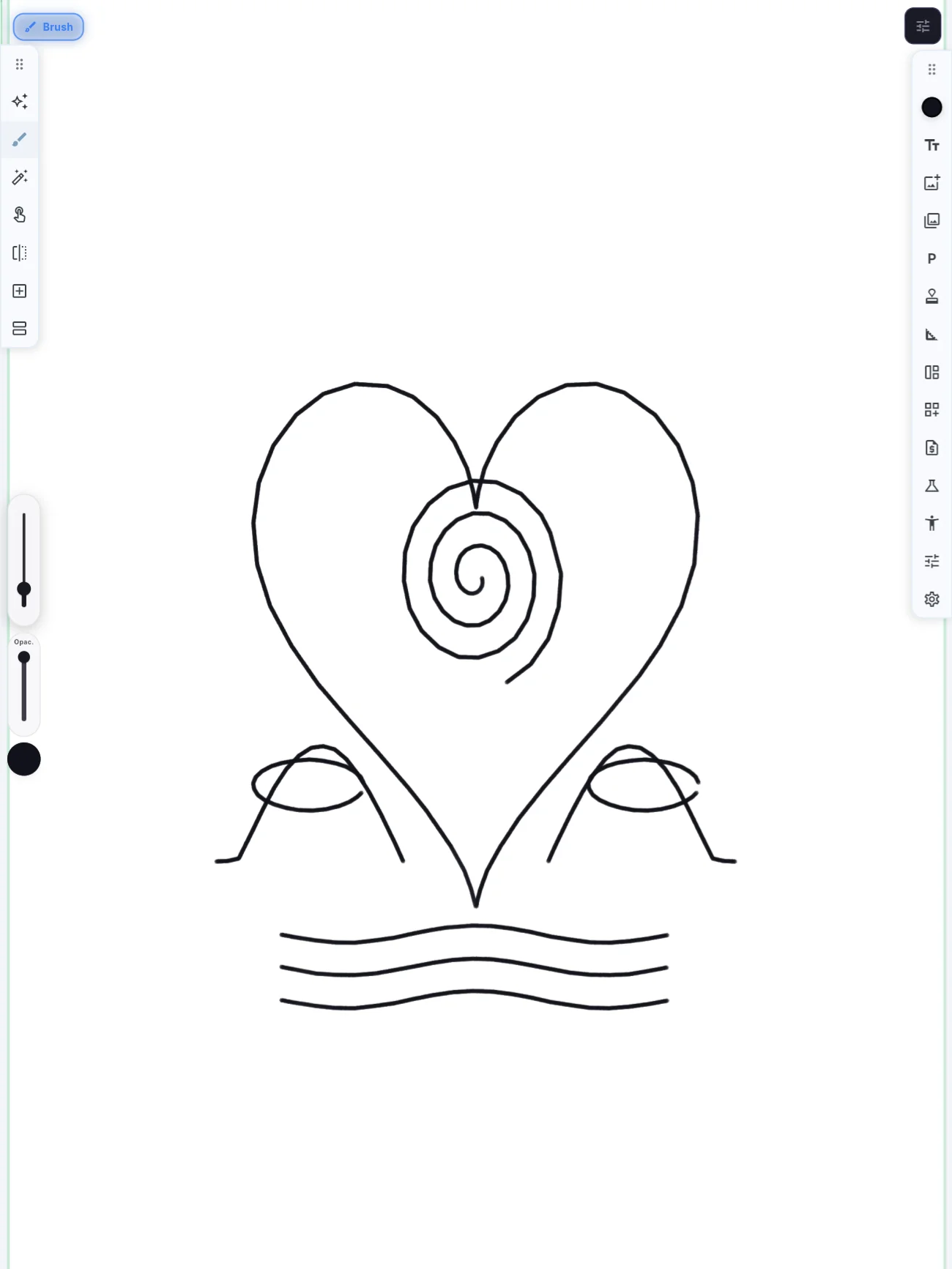
Every brush has a job.
Brushes chosen for tattoo styles, from fine line to Japanese, with the pressure and tilt of Apple Pencil and of pens on Android tablets. And if you have your own set, you import it and adjust it in Brush Studio.
InkerTraditional and neo-trad outlines.
Calligraphy nibLettering and chicano.
AirbrushBlack and grey realism, soft gradients.
Grey washDiluted greys for realism.
Sumi strokeJapanese, brush strokes with bristles.
DotsDotwork and stippled shading.
Tribal patternBlackwork and tribal.
WatercolourWatercolour tattoos, with splashes.
Splashes and dropsWatercolour and trash polka.
6B pencilSketches, with tilt shading.
CharcoalSketch and trash polka.
ScratchRaw texture, grows with pressure.
MarkerNew school, flat colour.
Skin markerDrafts and stencils, steady thickness on purpose.
Wet brushWet strokes that blend.
Dry inkA dry, broken line.
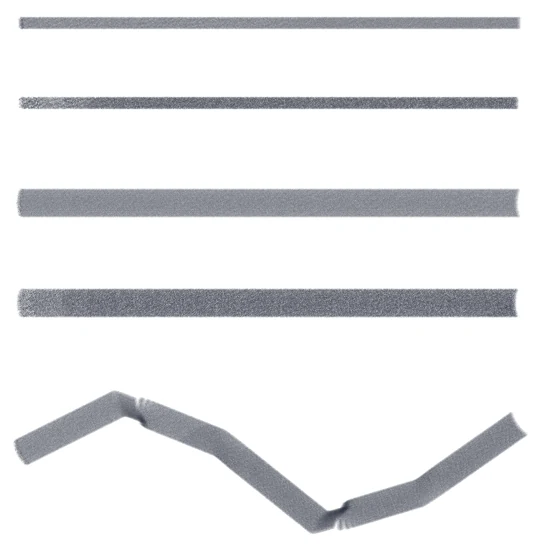
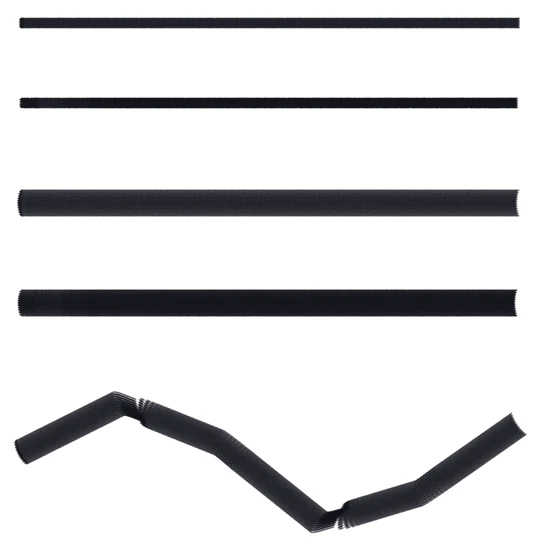
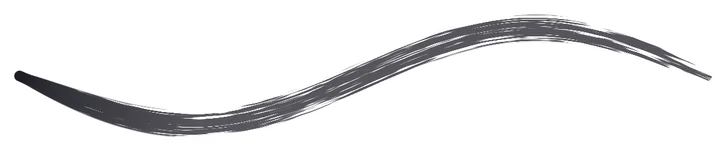
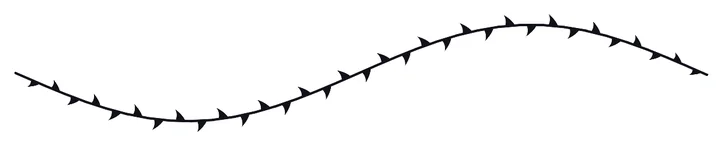
Real strokes from the app, all with the same S curve and pressure going from light to heavy and back. Plus eraser, text, quick shapes when you hold, and vertical, horizontal and radial symmetry for mandalas.
Inkconscious Design
Try it on a body before it goes on skin.
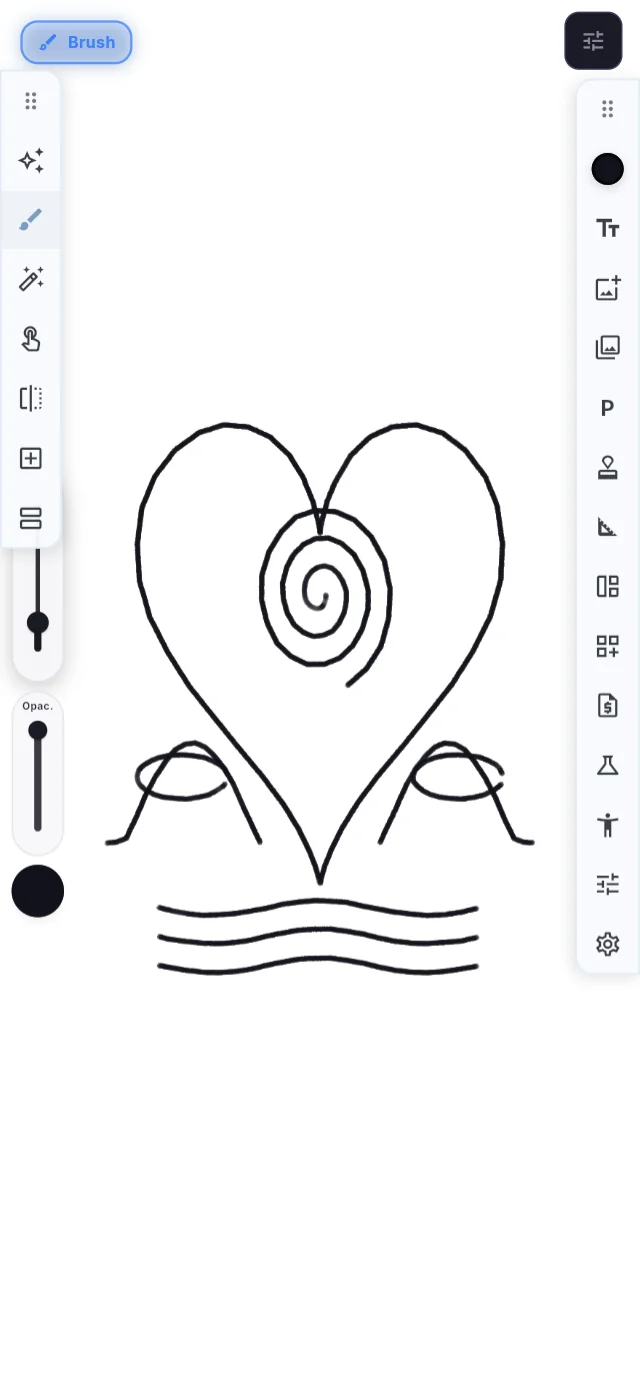
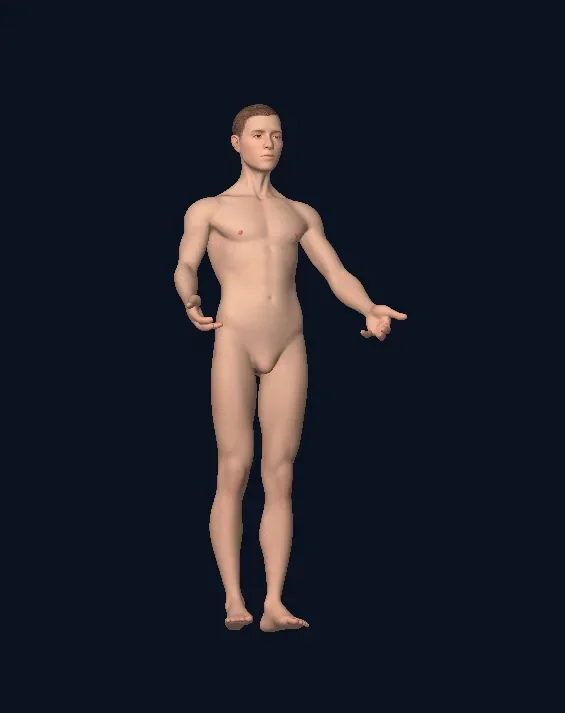
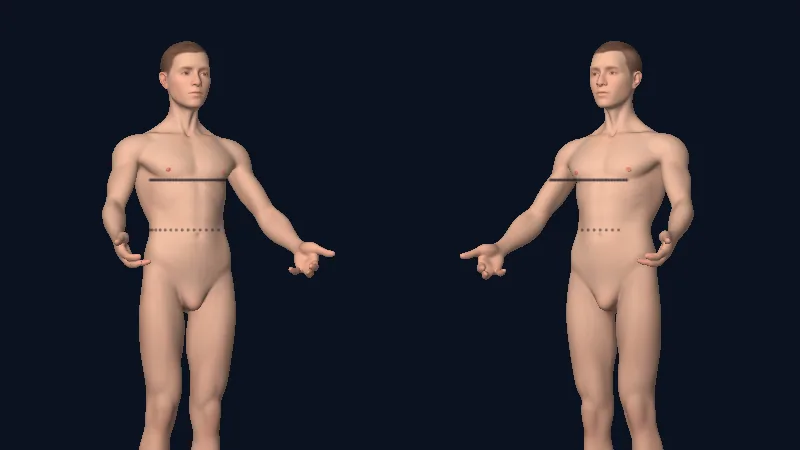
A smooth 3D mannequin, neutral or female body, that you turn with a finger. Draw straight on the skin with pen, marker and needles: the line stays on the body as you turn it.
Pose it with Articulate: elbows, knees and 17 joints, then Reset pose.
Wrap a photo of the design around the body: it stays there when you reopen.
Like a real sheet: Pencil pressure, palm ignored, two fingers undo, three redo. On iPad, Android and in the browser.
Inkconscious Design
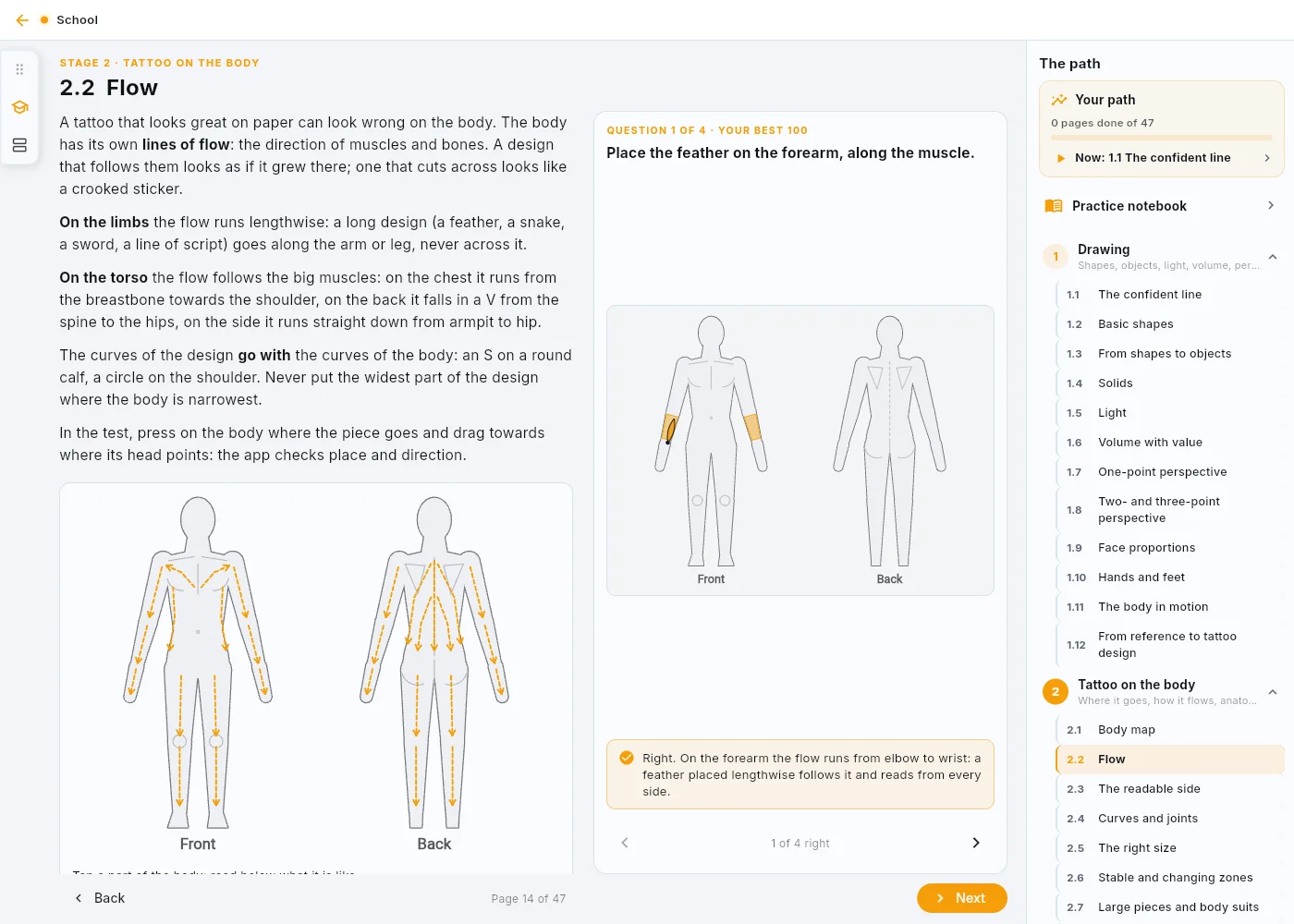
A tattoo school, inside the app.
A 47-page book in six stages. Every page explains, shows and then tests you: a tracing with a score, questions, or the simulated machine with missions per needle and voltage.
1 · Drawing2 · The tattoo on the body3 · The machine4 · Techniques5 · Workflows6 · The trade
Plus the training Notebook, the AI Coach on free drawing and “Your path”: what to do now, what to redo, where you're strong.
Inkconscious Studio
The whole studio. In one hand.
Messages, bookings, signatures and money in the same app, for the owner, the artists and the guests. Less time on the phone, more time with the needle.
Inkconscious Studio
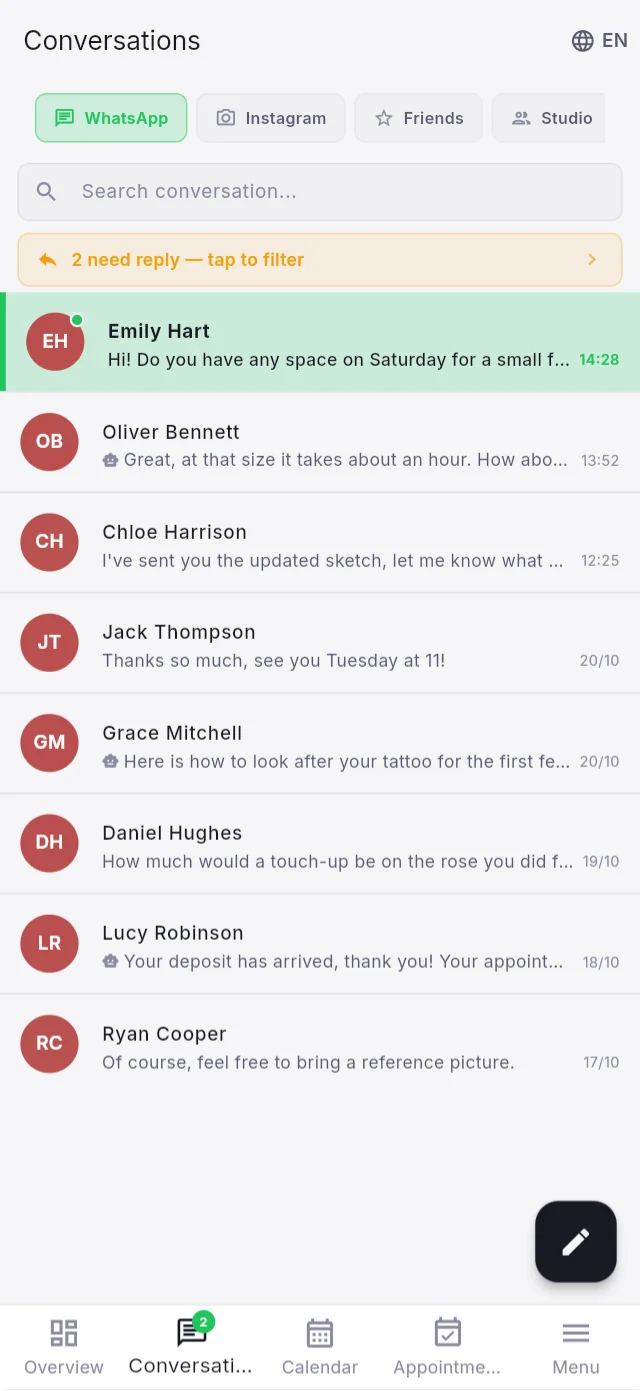
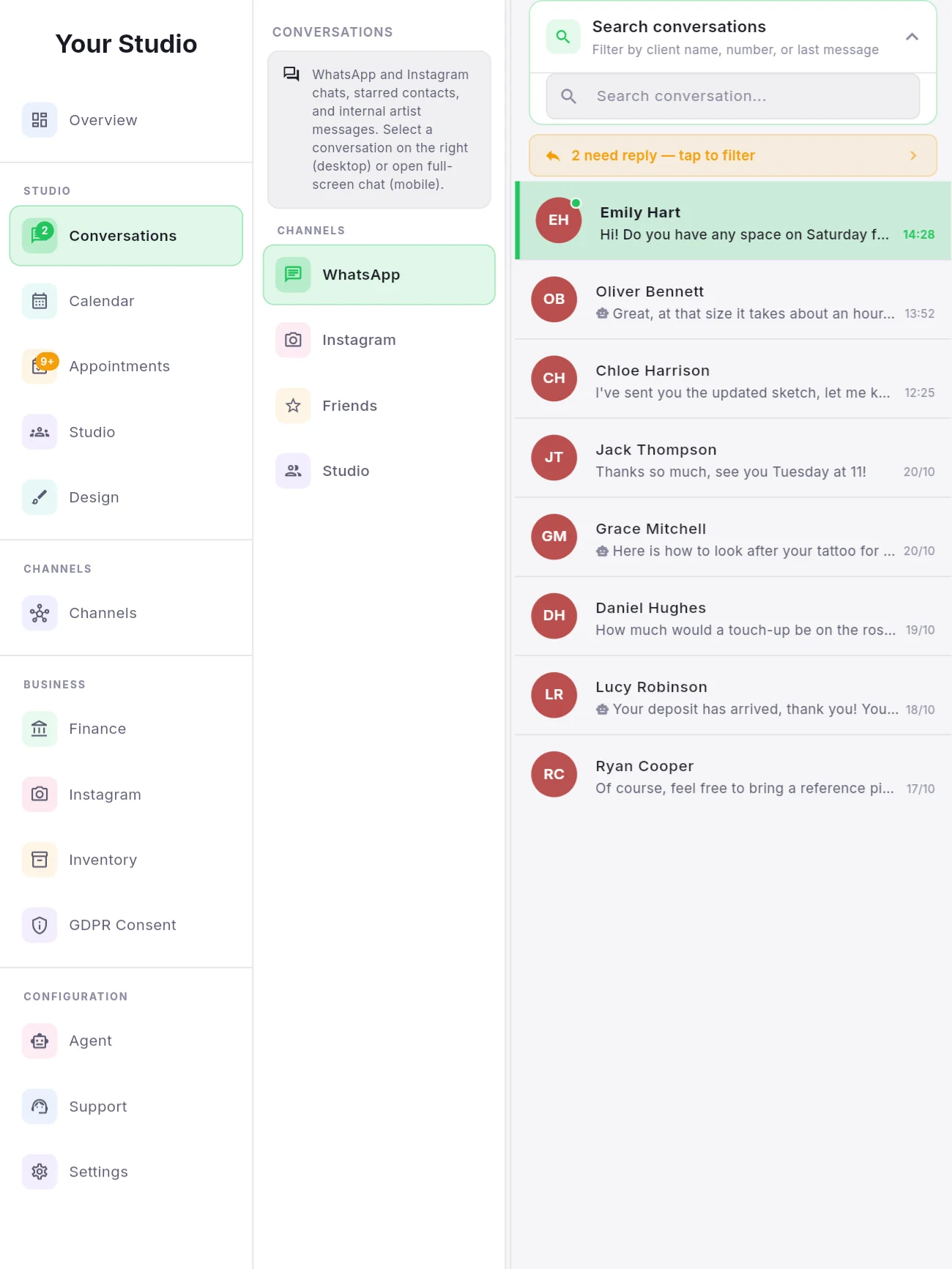
WhatsApp and Instagram. One inbox.
Every client in the same list, in their language. You read, reply, book and hand over to an artist without switching apps.
Automatic translation: the message arrives right away in the original, the translation appears as soon as it is ready.
Voice notes transcribed, delivery and read ticks, a “to answer” filter.
From the chat: create the appointment, pass the client to an artist (who accepts or declines), send the consent form, open the client's references in Design.
Internal chat between owner and artists, and one for the whole studio.
Inkconscious Studio
It answers while you're tattooing.
The AI assistant of Inkconscious Studio replies to clients on WhatsApp in their language, quotes from your price list, offers real free slots and asks for the deposit. When a person is needed, it hands over.
Real slots from your calendar
It reads Google Calendar and only offers times that are really free. A proposed slot is held for 48 hours.
It looks at photos, listens to voice notes
Quotes from text and photos using your minimum price, hourly rate, deposit and discounts. Above your limits it suggests talking to a person.
Deposit requested
PayPal, Stripe, bank transfer or cash: the booking shows paid, unpaid or cash promised.
Honest from the first message
It says it is an AI, offers the client's own language and the option to talk to a person.
You decide how much it does
Off, supervision (it writes, you send) or on. 9 functions to switch on one by one, and a live sandbox test that never writes to real clients.
Inkconscious Studio
Everything else the studio needs. Already connected.
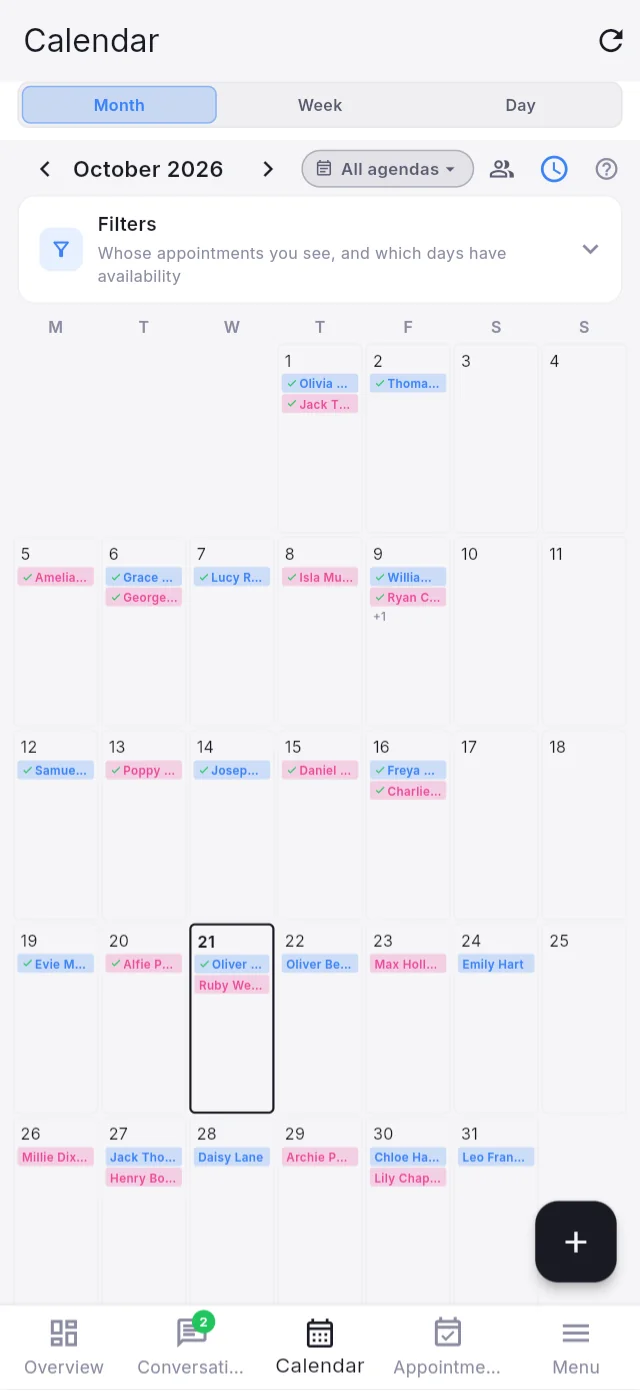
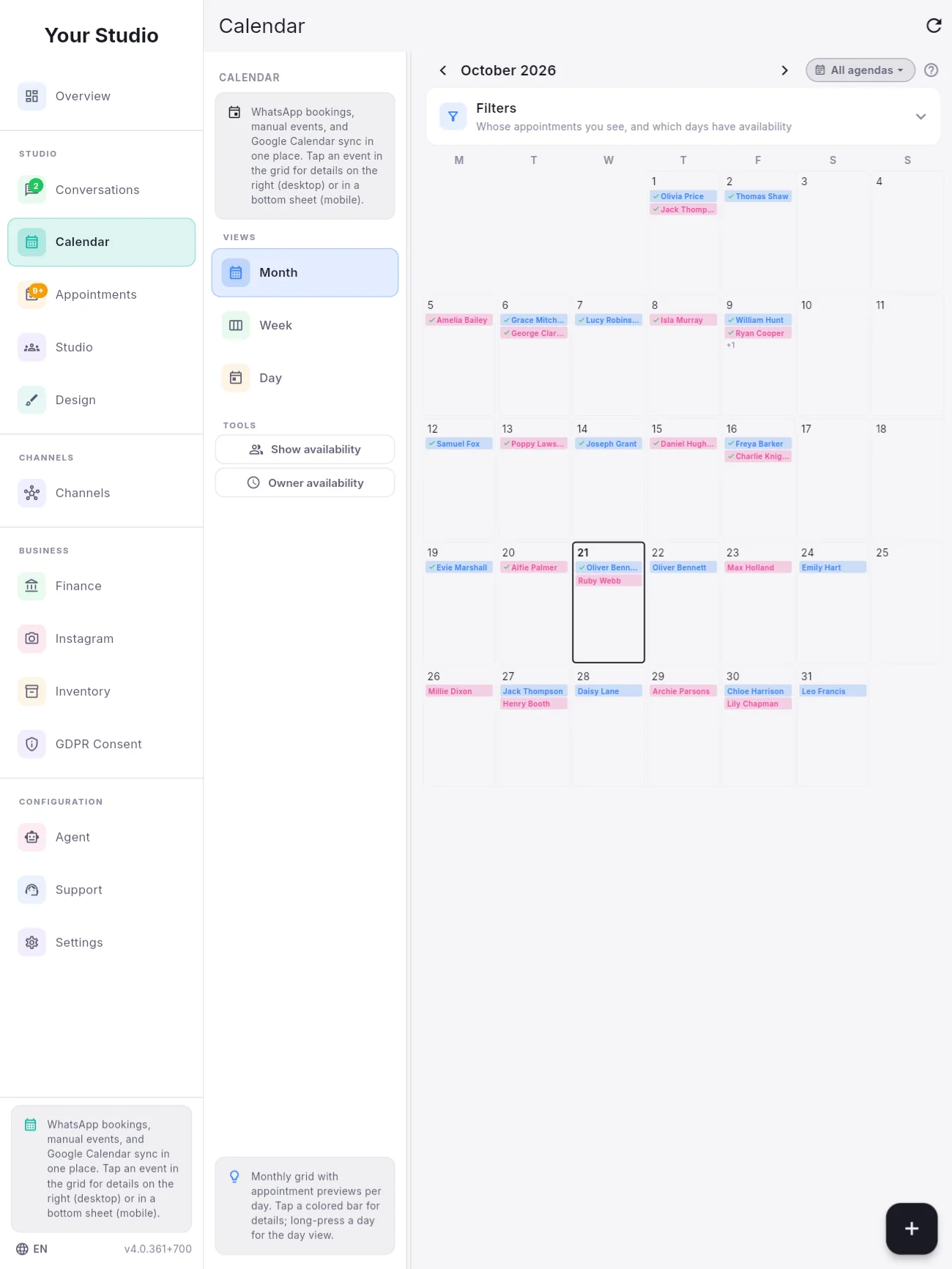
Calendar that fills itself
Month, week and day. Bookings from WhatsApp, events you add, Google Calendar sync, filters by artist and availability, deposits at a glance, group appointments.
Consent forms with a QR code
The client scans, fills in and signs from their own phone, without installing anything. A fixed walk-in QR sticker at the station creates client and appointment on its own. Minors with guardian, your signature added automatically, up to 30 custom clauses, the text frozen at signing, access log and retention deadlines. 6 languages, and the official Canary Islands form where it applies.
30 custom clauses per form
Money tied to real work
Close an appointment and the payment and receipt are there. Studio and artist shares net of the materials taken from stock, and one file for your accountant.
Artists, guests, more locations
A portal for every artist, two commission rates, guest studios with their own portal, several locations with one login.
Stock that counts itself
Needles by type, minimum levels, a shopping list that fills itself, one-tap kits per session, import from CSV or Excel.
Instagram, from the final photo to the postexample data
Posts, stories, reels and carousels from the photos of finished tattoos. The AI picks the format and writes the caption; you publish now or let it choose the best times. Then reach, interactions and the numbers of every post.
Private notifications
Previews like WhatsApp, but the push only carries an encrypted seal: Google and Apple never see your clients' data. Daily encrypted backup to Google Drive, iCloud or a folder.
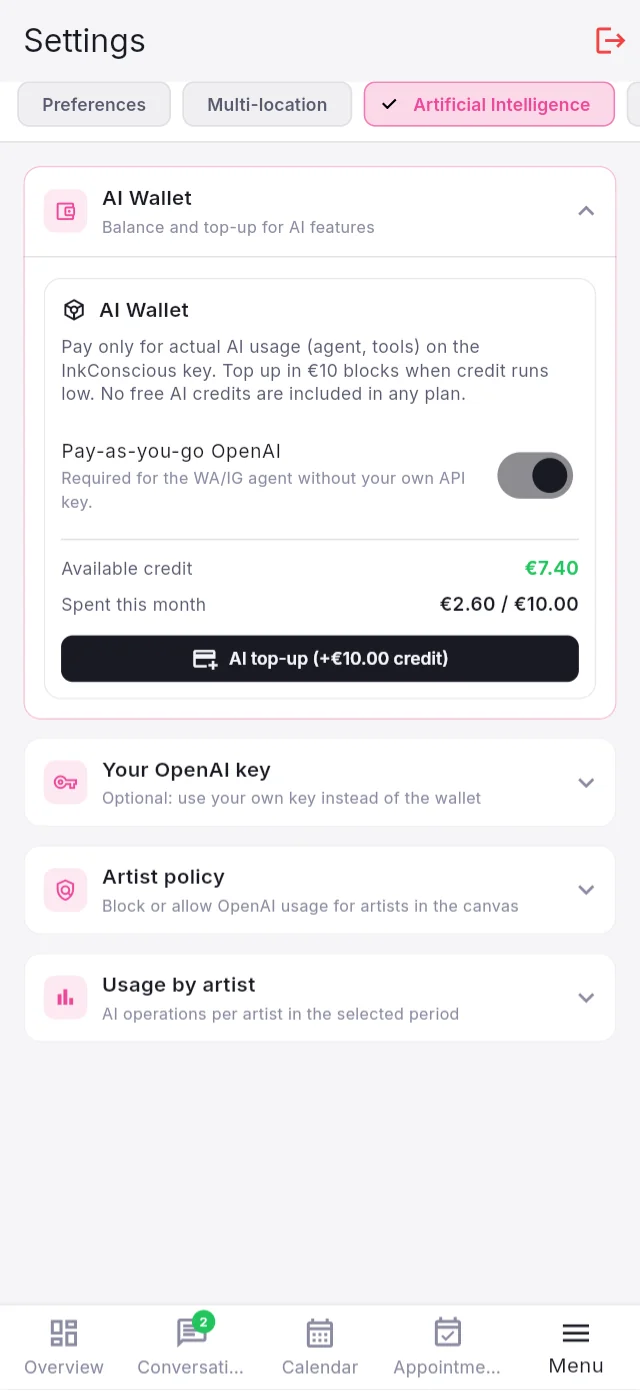
AI you pay for only when you use it
No AI credit hidden in the plans: one wallet for Studio and Design, top-ups of €10, and €5 welcome credit with your first real payment. You can also use your own OpenAI key and decide which artists may use AI.
Wherever you work.
iPadWith Apple Pencil pressure and tilt. Studio and Design.
iPhoneThe studio in your pocket. One app for iPhone and iPad.
AndroidPhones and tablets, from Android 7.
BrowserOpen it on any computer, nothing to install.
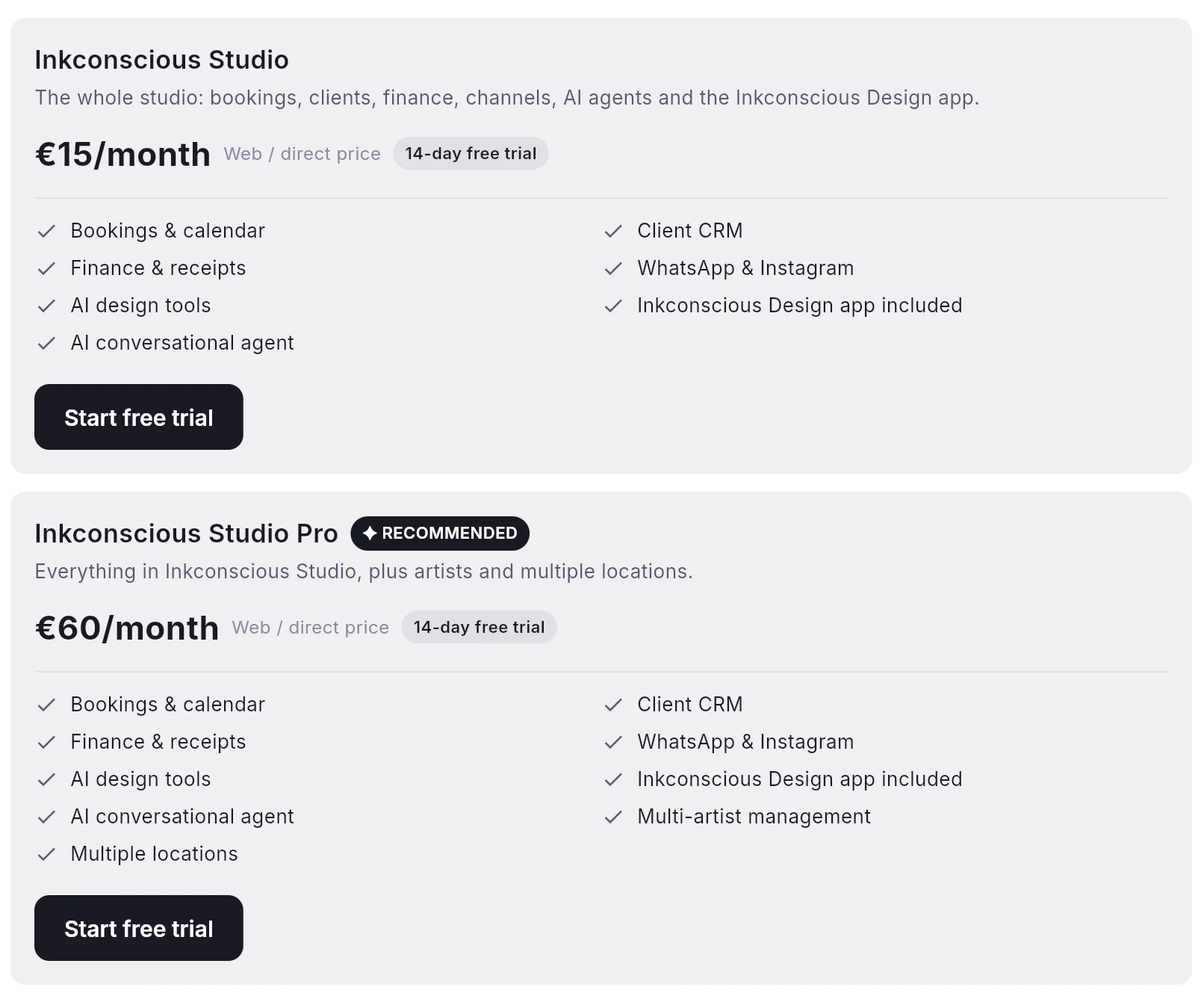
Simple prices. 14 days free.
Every Studio plan includes Inkconscious Design. AI is paid separately, only for what you use.
Studio Basic15 € /month
Clients, calendar, messages, finance, channels and the AI drawing tools.
WhatsApp + Instagram
Calendar and consent forms
Inkconscious Design included
14 days free
Studio Artists30 € /month
Basic plus several artists, commissions and the artist portal.
Everything in Basic
More artists and guests
Commissions per artist
14 days free
Studio AI Assistant45 € /month
Basic plus the AI assistant that replies and books on WhatsApp and Instagram.
Everything in Basic
AI assistant
Quotes, slots and deposits
14 days free
Studio Complete60 € /month
Artists and AI assistant together. The whole studio.
Everything in Basic
More artists and guests
AI assistant
14 days free
Inkconscious Design3,50 € /month
On its own, for artists who only draw. The full editor, the AI tools, the school.
14 days free
Prices for a direct subscription. In the App Store and Google Play the price includes the store's commission (Studio from €21.99, Design €4.99). No AI credit is included in the plans: AI top-ups of €10.
Start today.
On Android you can install now, in the browser you can open now. App Store and Google Play are on the way.
B2B software for tattoo studios and artists: you need an InkConscious studio account. It is not an app for clients booking a tattoo.
Inkconscious Tattoo
Born in a real studio.
I'm Valerio Zanzarelli, tattoo artist in Costa Calma, Fuerteventura. I built Inkconscious Studio and Inkconscious Design for my own studio, and I use them every day. Want a tattoo? Here you'll find estimate, work and booking.
Inkconscious Studio is the studio management app: messages, AI assistant, calendar, consent forms, artists, stock, finance. Inkconscious Design is the drawing app: needles, stencils, mannequin, brushes, school. With a Studio plan Design is included and also opens inside Studio.
Who is it for?
For tattoo studio owners, artists, guests and staff. It is business software (B2B): it is not an app for clients who want to book a tattoo.
How does the free trial work?
Every plan has 14 days free. You start it from the app, in Settings → Subscription. At the end you choose whether to subscribe.
How does it use WhatsApp and Instagram?
Each studio connects its own WhatsApp Business number and its own Instagram account through Meta's official APIs. Only that studio sees its conversations. Connecting other studios' accounts depends on the Meta approvals currently in review.
How much does AI cost?
The plans include no AI credit. You top up €10 at a time and pay only for real consumption, with one wallet for Studio and Design. With your first real payment you get €5 of welcome credit. You can also use your own OpenAI key.
Where are my data?
On servers in the European Union (Germany). Backups are encrypted and go to your own cloud. Details are in the privacy policy.
Does it make invoices?
It makes non-fiscal receipts and exports the period's payments in one file for your accountant. It does not replace your invoicing system.